
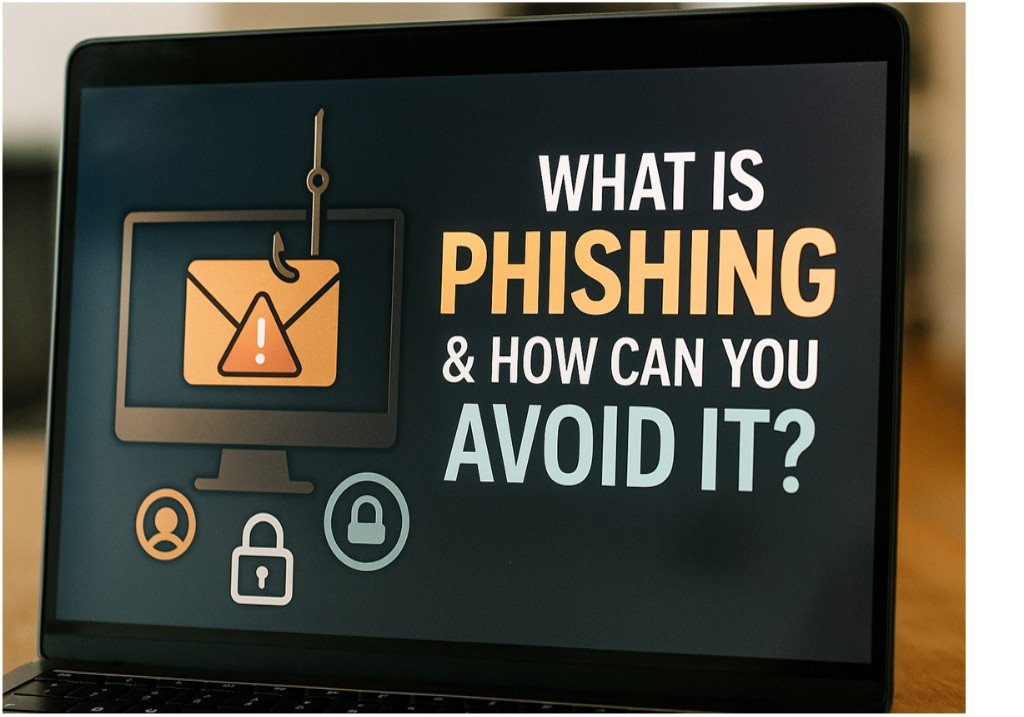

Every day, millions of people receive emails that look completely legitimate but are designed to steal their personal information. These fraudulent emails might claim to be from your bank, your favorite online store, or even your own workplace. This kind of attack is called phishing, and it’s one of the most common and effective threat in the field of cybersecurity and cybercrime today.
But the good news is that with the right knowledge, phishing is also one of the easiest threats to avoid. In this post, we’ll break down exactly what phishing is, how it works, what to watch for, and how to protect yourself.
What Is Phishing?
Phishing is a type of cyberattack where a criminal tries to trick you into revealing sensitive information like passwords, credit card numbers, or personal data by pretending to be someone you trust. Most of such attacks come in the form of emails, but they can also appear as text messages (SMS phishing or “smishing”), phone calls (vishing), or fake websites.
A classic phishing email might say something like:
“We’ve detected suspicious activity on your account. Please click the link below to verify your information.”
The link may lead to a fake login page that looks nearly identical to your bank, PayPal, or email provider. If you enter your credentials, they go straight to the attacker.
Why Is Phishing So Effective?
Phishing relies on social engineering, which means it targets human emotions—like fear, curiosity, urgency, or trust. These emails are often designed to create panic or confusion so that you act without thinking.
Common emotional triggers include:
- Urgent warnings (“Your account will be locked in 24 hours”)
- Fake rewards (“You’ve won a gift card!”)
- Requests from authority figures (“Your boss needs a wire transfer immediately”)
What makes it even more dangerous today is that attackers have become better at mimicking real emails. Many use company logos, correct email signatures, and even spoofed addresses that look authentic at first glance.
Common Types of Phishing
- Email Phishing
The most common form, where attackers send out mass emails hoping someone will fall for the bait. - Spear Phishing
These are targeted attacks. The email is personalized—using your name, company, or job title—to gain your trust. - Whaling
This type aims at executives or high-level employees, often involving fake legal or financial communications. - Clone Phishing
Attackers copy a legitimate email you’ve received before and resend it with a malicious link or attachment. - Smishing and Vishing
These are attempts via text message or voice call. The sender might claim to be your bank or a delivery service.
How to Identify a Phishing Attempt
Here are some signs to look for when trying to spot a phishing email or message:
1. Suspicious Sender
Look carefully at the email address. It may look similar to a real one but have small differences (e.g., “support@paypa1.com” instead of “paypal.com”).
2. Generic Greeting
Phishing emails often use vague greetings like “Dear Customer” instead of your real name.
3. Spelling and Grammar Errors
Professional companies rarely send emails with noticeable spelling mistakes or awkward language.
4. Urgent or Threatening Language
Emails that pressure you to “act now” or claim your account will be suspended are red flags.
5. Unusual Links
Hover over any link (don’t click!) to see where it really goes. If the URL doesn’t match the supposed sender, it’s likely a phishing link.
6. Unexpected Attachments
Never open an attachment from an unknown sender. It could contain malware or ransomware.
How to Protect Yourself from Phishing
Awareness is the first step. Here’s what you can do to protect yourself:
✅ 1. Think Before You Click
Be skeptical of unexpected messages asking you to log in, update details, or download something. Take a moment to evaluate before acting.
✅ 2. Verify the Source
If you’re unsure about an email or text, contact the organization directly through their official website or phone number.
✅ 3. Use Multi-Factor Authentication (MFA)
Even if your password is stolen, MFA can prevent access to your accounts by requiring a second verification step.
✅ 4. Keep Software Updated
Ensure your browser, email client, antivirus, and operating system are up to date to detect and block known phishing attempts.
✅ 5. Install Anti-Phishing Tools
Most modern browsers offer extensions or built-in tools to warn you of suspicious sites or links.
✅ 6. Educate Others
If you run a business or manage a team, train others on how to spot phishing. The more people who know what to look for, the safer your environment.
What to Do If You Fall for a Phishing Scam
Even the most careful users can make mistakes. If you suspect you’ve clicked a phishing link or entered your credentials on a fake site, act immediately:
- Change your passwords for any affected accounts.
- Enable two-factor authentication if it’s not already active.
- Report the phishing attempt to your email provider or IT department.
- Monitor your financial accounts for suspicious activity.
- Run a full malware scan on your device.
Final Thoughts
Phishing attacks are one of the oldest tricks in the cybercrime playbook, but they still work because they prey on human behavior, not just technology. By staying informed and cautious, you can greatly reduce your risk of falling victim.
Cybersecurity doesn’t have to be complicated. It starts with a moment of awareness—the moment you pause before clicking a suspicious link. And with that one habit, you might save yourself from a world of trouble.



Pingback: The Relationship between AI and Cybersecurity
Pingback: Online Risks and How to Protect Your Digital Identity -
Pingback: Case Study: How One Phishing Email Crashed a Company’s Network